
About HealthView
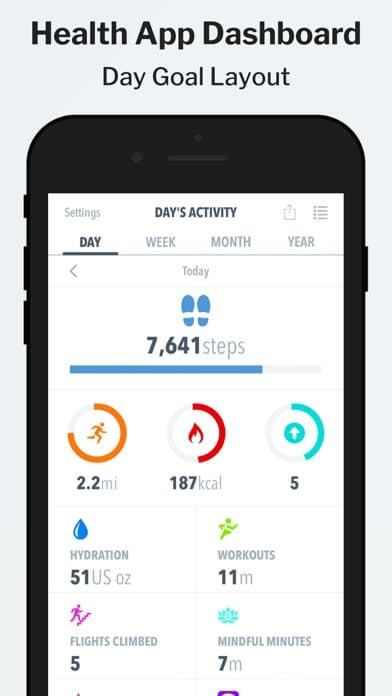
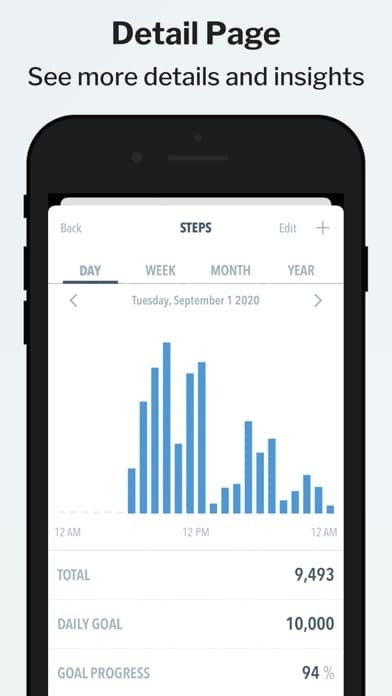
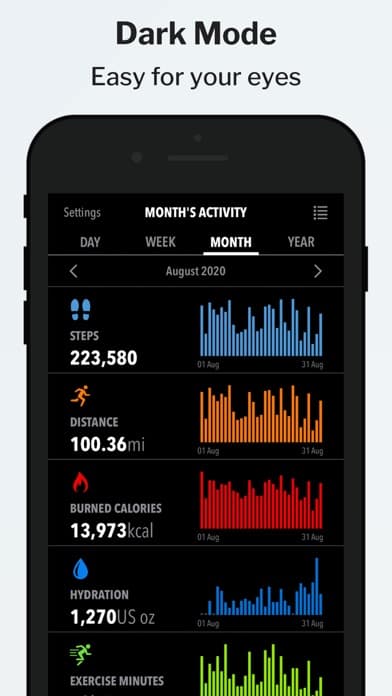
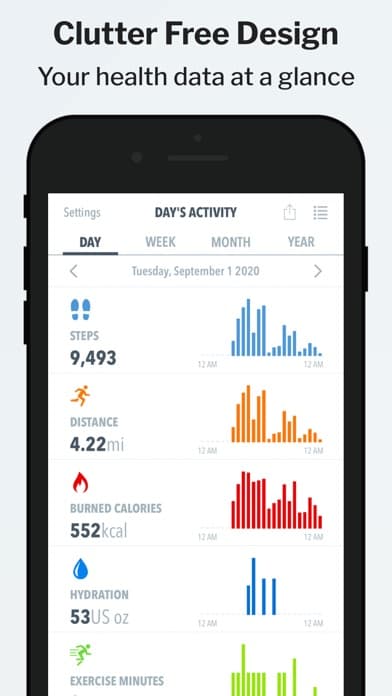
HealthView integrates with the Apple Health app and allows you to see your health data in a broad clean way, by allowing you to drill down to more details in an easy and quick way!
Apple Watch complications will show your activity levels from your pedometer data - this feature is very convenient if you want to glance over your activity data quickly.
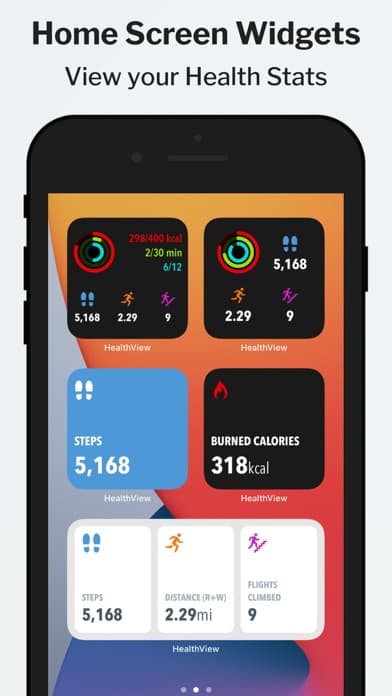
Widgets!
See your health data at a glance right on your home screen! Customizable look and feel, view all datasets that you have configured and more!
HealthView also features the ability to customize and show up to 3 data sets in the Today View widget!
If you have any questions, please don't hesitate to contact our support!
Supported Data Sets
- Steps Count
- Distance
- Burned Calories
- Resting Calories
- Total Calories
- Stand Hours
- Water
- Workouts
- Flights Climbed
- Heart Rate
- Resting Heart Rate
- Heart Rate Variability
- Walking Heart Rate
- Sleep
- Dietary Calories
- Weight
- BMI
- Body Fat
- Body Temperature
- Lean Body Mass
- Waist Size
- Cycling
- Nike Fuel
- Caffeine
- Swimming Strokes
- Swimming Distance
- Mindful Minutes
- Blood Glucose
- Blood Pressure
- Wheelchair Distance
- Pushes
- Exercise
- Carbohydrates
- Fiber
- Protein
- Sodium
- Total Fat
- Dietary Sugar
- Saturated Fat
- Monounsaturated Fat
- Polyunsaturated Fat
- Calcium
- Iron
- Potassium
- Vitamin C
- Vitamin D
- Vitamin B12
- VO2 Max
- Dietary Cholesterol
- Forced Expiratory Volume
- Peak Expiratory Flow Rate
- Pulse Oximetry
- Sexual Activity
- Ovulation Test Results
Note: HealthView reads data only from the Apple Health app. No data is sent outside of your device. Health app access is required.
Screenshots